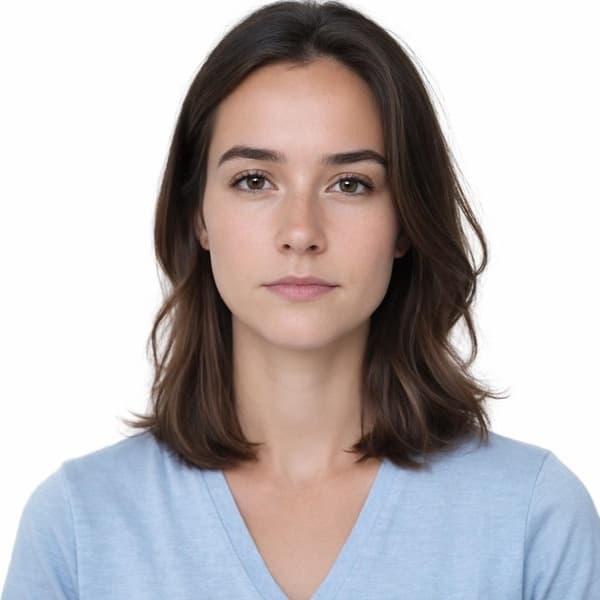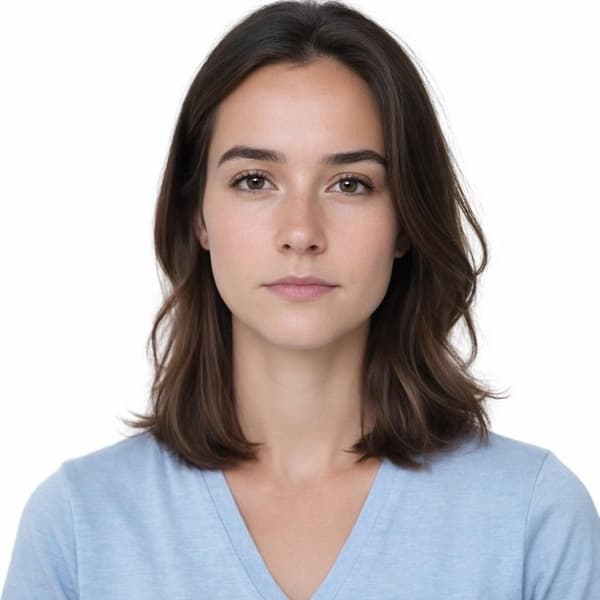
What You Need
Taking a passport photo at home is easier than you think. All you need is:
- A smartphone with a decent camera (any phone from the last 5 years works)
- A plain white or light-colored wall
- Good natural lighting
- A friend to take the photo (or use a timer)
Setting Up Your Photo Space
Find a spot with even lighting. Natural daylight from a window works best. Stand about 4-6 feet from the wall to avoid shadows behind you.
Lighting Tips
Face toward the light source (window). Avoid overhead lights that create shadows under your eyes. The best time is during the day when there's plenty of natural light.
Camera Settings
Use the rear camera for better quality. Hold the phone at eye level, about 4 feet away from your face. Don't use zoom - it can distort your features.
Using Our AI Tool
Once you have your photo, upload it to our AI tool. We'll automatically crop it to the correct size, adjust the background to pure white, and ensure it meets all official requirements.